Image or Text → a real, printable STL
Most "AI 3D" makes a display mesh that fails the moment a slicer touches it — holes, flipped normals, no wall thickness. cad-render takes the other road: it turns intent (a sentence or a reference image) into parametric OpenSCAD code, then renders genuinely watertight, manifold, millimetre-accurate geometry your slicer ingests with zero repair — and it stays editable. Two parts below, end to end, with the real .stl downloads.
is_volume: false will look fine in the render and fail in the slicer. Every featured STL below was downloaded and validated with trimesh (is_watertight ∧ is_winding_consistent ⇒ is_volume). Only parts that pass are featured here.
Example 1 — Text → STL a parametric phone stand from one sentence
Parametric phone stand
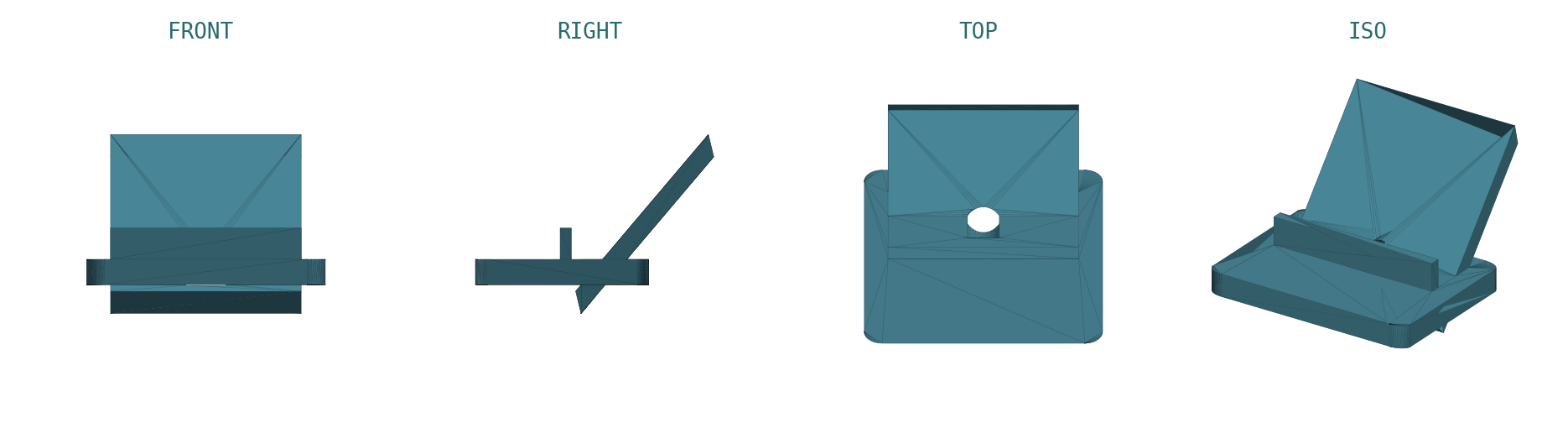
| is_watertight | true |
| is_winding_consistent | true |
| is_volume (real solid) | true |
| volume | 69,085 mm³ |
| dimensions (x·y·z) | 80.0 · 126.8 · 42.9 mm |
| min wall (design) | 3.0 mm |
| triangles | 488 |
Drop it straight into Cura / PrusaSlicer / Bambu Studio — no mesh repair. The geometry is OpenSCAD code, so "make the foot wider" is one parameter away.
Example 2 — Image → STL a low-poly desk hook from a generated reference
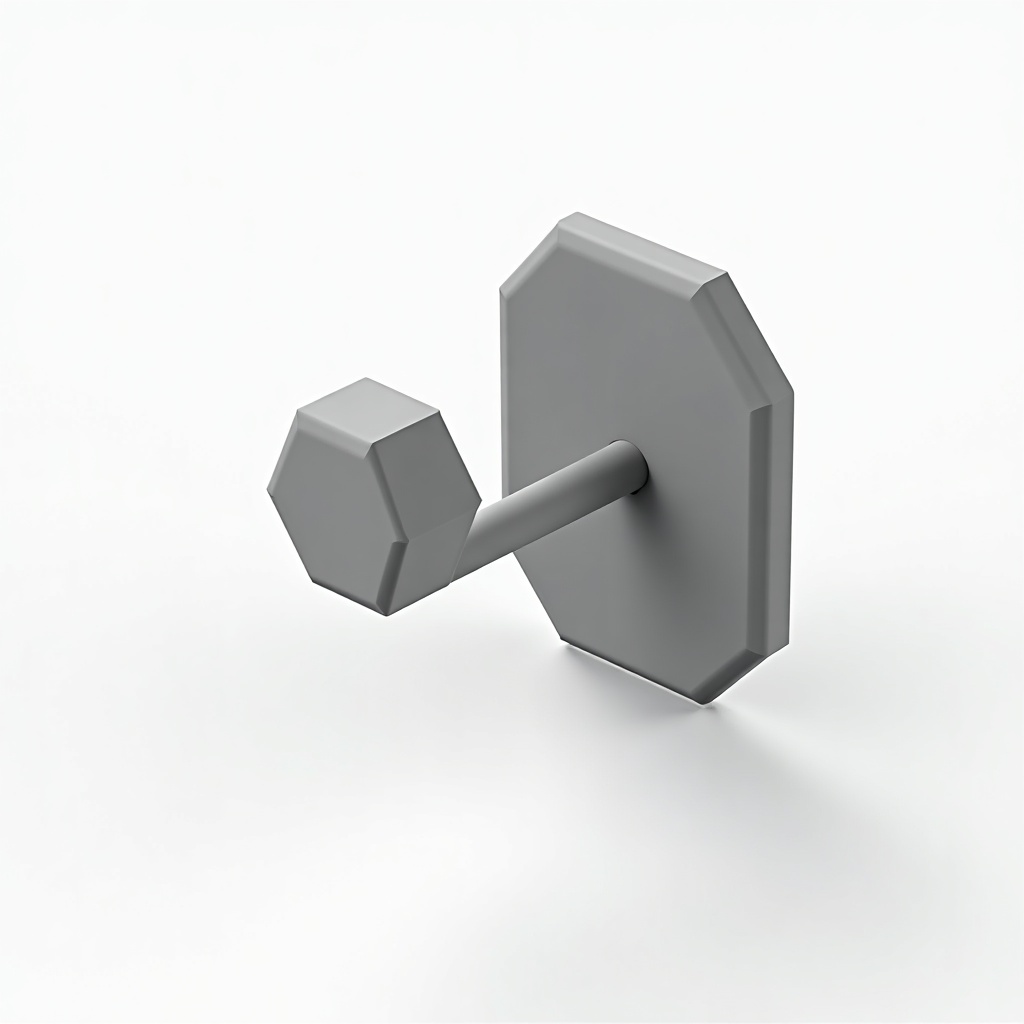
Low-poly desk hook
We generated a clean reference image with flux-dev (single object, neutral background — exactly what cad-render reads best), then drove cad-render from the silhouette + proportion, reviewed the 4-view, and refined the wall + curl. Faceted octagonal cross-sections give the low-poly look while staying a fully closed solid.
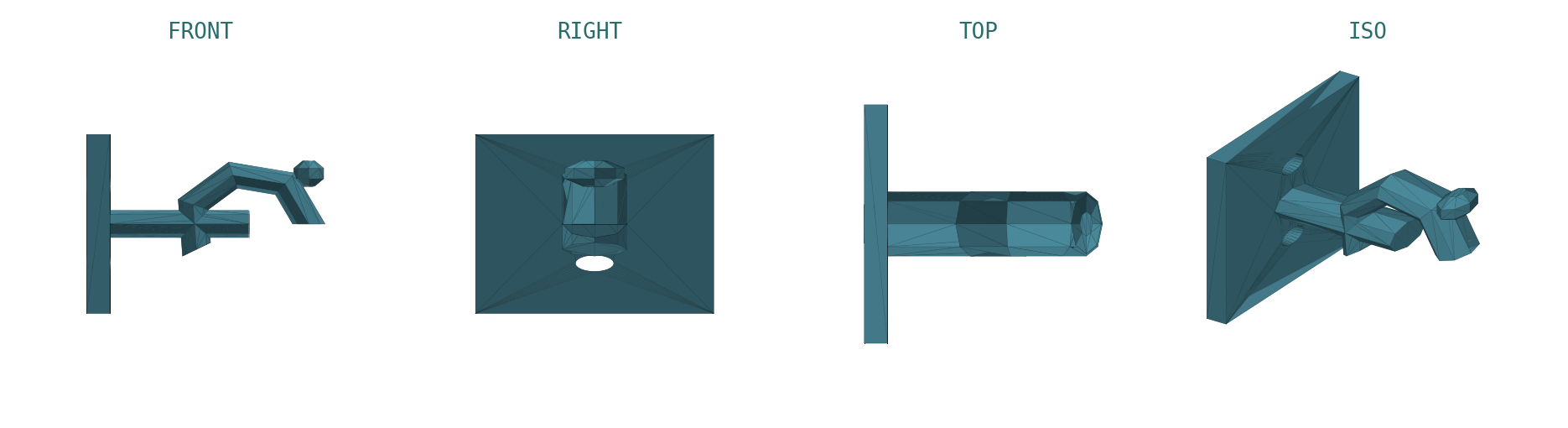
| is_watertight | true |
| is_winding_consistent | true |
| is_volume (real solid) | true |
| volume | 8,273 mm³ |
| dimensions (x·y·z) | 51.5 · 26.0 · 46.0 mm |
| min wall (design) | 5.0 mm |
| triangles | 466 |
Two M4 screw clearances in the back plate, an octagonal load-bearing arm, and an upward curl that holds a cable, strap, or bag. Print flat against the back plate — no supports.
The workflow intent → code-CAD → validate → print
create_cad_model → OpenSCAD source + 4-view PNG + report
2 — review read the front / right orthographic views: flat base? walls thick enough? nothing floating?
3 — refine refine_cad_model(critique) → thicker wall, wider foot, deeper lip … re-render (loop 1–3×)
4 — GATE export_stl + cad-validate → is_volume === true (ship ONLY if it passes)
5 — print download .stl → Cura / PrusaSlicer / Bambu → slice · print
Why it's slicer-ready the manufacture rules cad-render honors
dimensions_mm is the real printed size — no mystery scale.Code-CAD vs. a learned mesh when to reach for which
If it needs to function — hold, clip, mount, stack, or fit a real object — reach for cad-render (this page). If it just needs to look like something — an organic creature, a sculptural hero asset for a render — reach for tripo-i3d / triposplat, and expect to repair the mesh before printing, if it's printable at all.
Reproduce this the playbook is open
Built from the cad-to-3d-print playbook — point it at a sentence or a clean reference image and it compiles parametric OpenSCAD, renders the 4-view, refines on a one-line critique, and gates on watertight + manifold before it hands you the download.